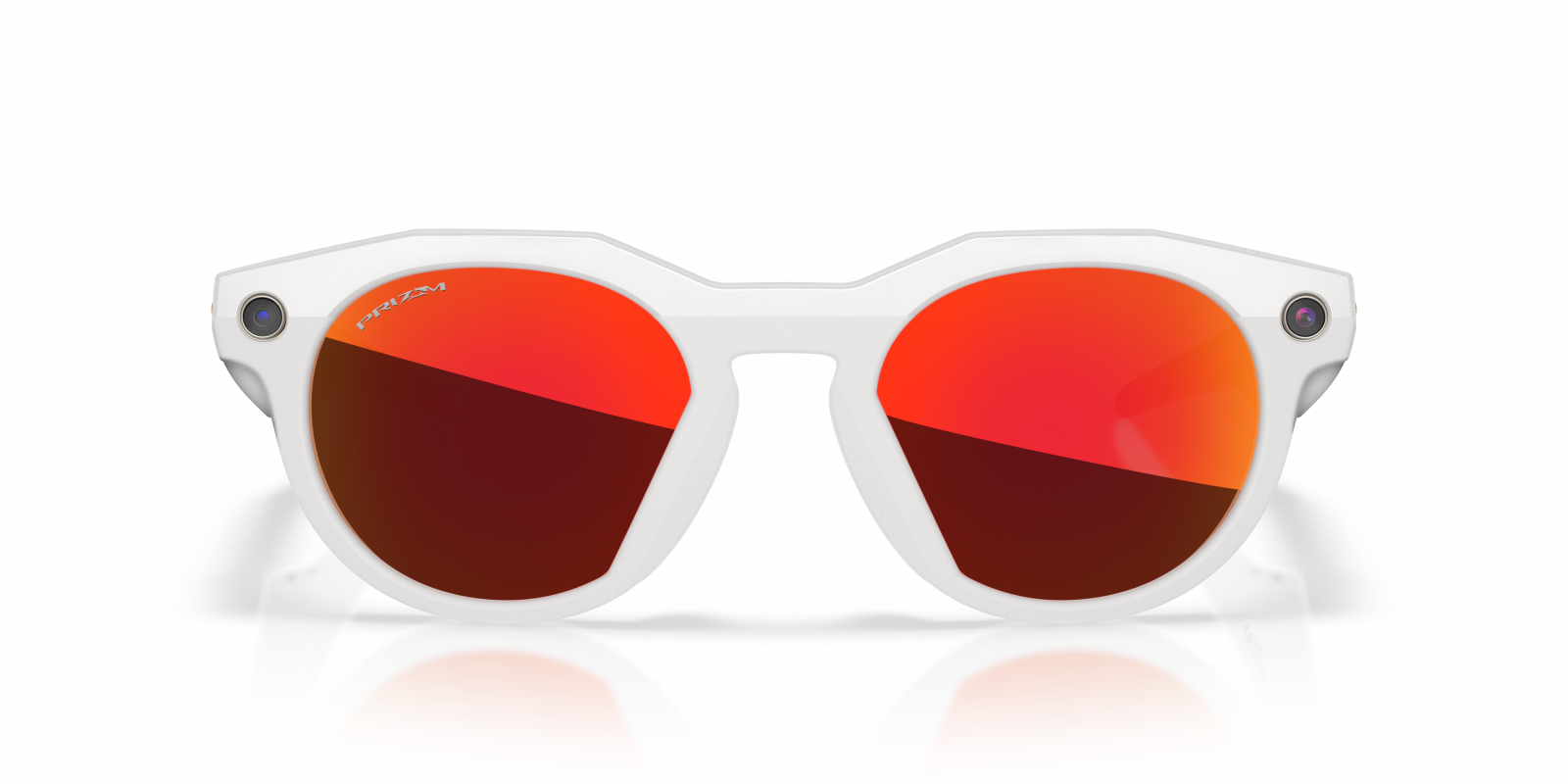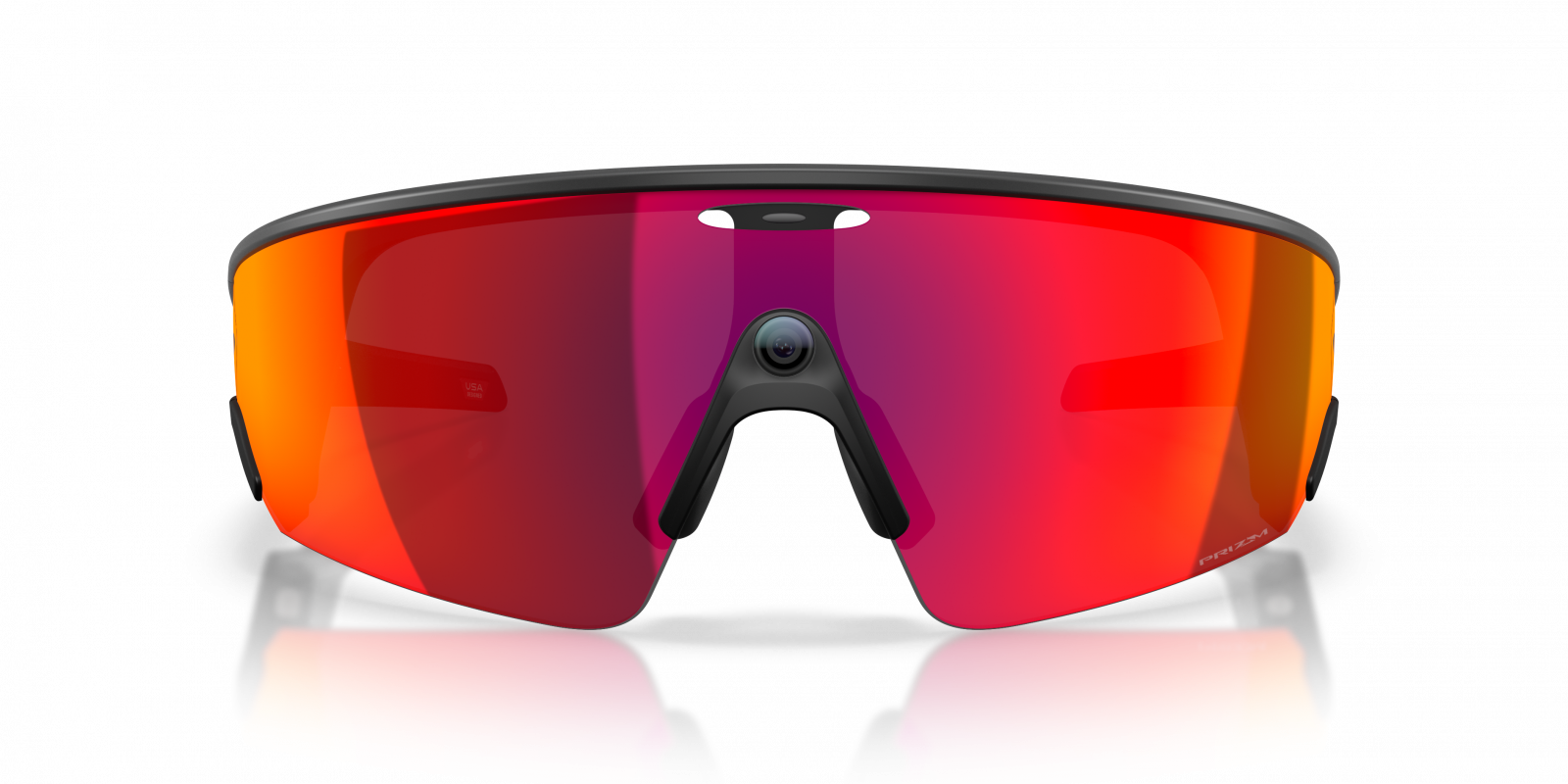
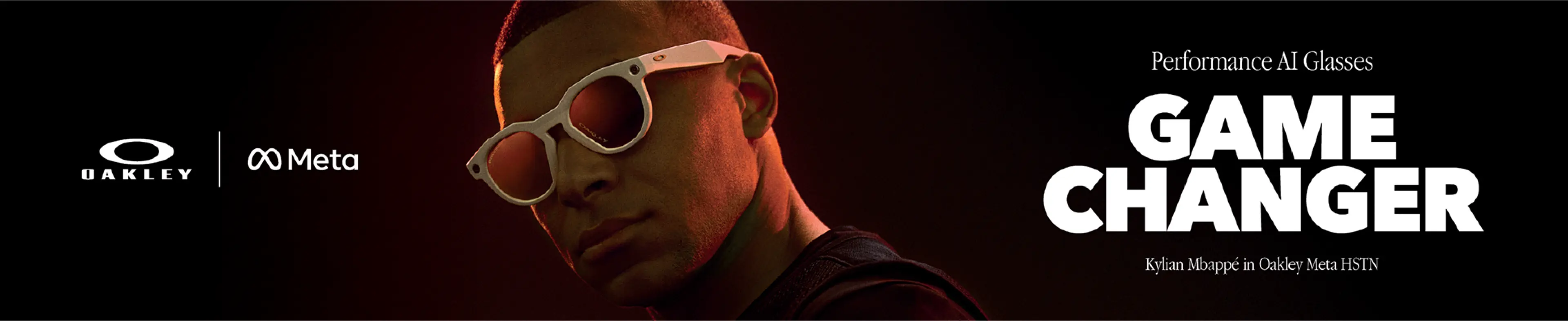
Athletic Intelligence revolutionises the way you experience sport. Stay fully focused on your performance with Oakley Meta.




When you first open your Oakley Meta glasses:
1. Remove the plastic tab in the case and place the glasses back.
2. Wait for the LED to blink blue: the glasses are ready for pairing.
Manual setup:
1. Place the glasses in the case.
2. Hold down the button on the back of the case for at least 5 seconds.
3. Wait for the LED to start blinking blue: the glasses are ready for pairing.
Pair the glasses with your phone:
1. Download the Meta AI app and log in with your Meta account.
2. Turn on Bluetooth on your phone.
3. Turn on the glasses by holding the button until the LED blinks white, then wait for it to turn solid green. If they do not turn on, charge them by placing them in the case connected to a power source.
4. Put the glasses in “Bluetooth Pairing” mode: close the temples and hold down the button on the frame for 12 seconds until the LED blinks blue.
5. In the app, select the glasses and follow the instructions to complete the pairing.
For normal use of the glasses, the app connects to your wi-fi network.
When importing captures or installing firmware updates, the app connects directly to the glasses’ temporary wi-fi network.
Oakley Meta glasses have an IPX4 water resistance rating. This means your glasses are safe even if it starts to rain (light rain) while wearing them.
Remove the glasses as soon as you can and dry them completely: nothing else is required.
The product is not designed to withstand immersion or prolonged exposure to water or other liquids.
If exposed to water, dry the product thoroughly and clean the charging areas from residues or debris.
Oakley Meta glasses can only be paired with one Meta account at a time. You can reset them to factory settings before someone else uses them.
When fully charged, Oakley Meta HSTN can provide up to 5 hours of continuous audio playback, 8 hours of normal use, and up to 19 hours on standby.
Battery life may vary depending on feature usage.
Yes, it is possible to return an Oakley Meta product, but it is important to follow some specific guidelines:
Always apply the UN3481 label (included in the return package) on the outside of the Amevista parcel. This label is mandatory for transporting devices containing lithium batteries.
WARNING: this is a regulatory label, not the shipping label. If not applied correctly, the parcel will be blocked by the courier and the return cannot be completed.
What should I do if I have technical issues (software or hardware) with Oakley Meta glasses?
Any hardware or software malfunctions related to Oakley Meta smart glasses (e.g. connection, camera, synchronisation, operating system issues) are not handled by our customer service.
For such cases, official support is available directly on the Oakley website, in the section dedicated to the respective product. Please contact official support following the instructions provided there.
If you don't find the answer you're looking for in the FAQs, you can get more information or assistance here: Meta Support Center.