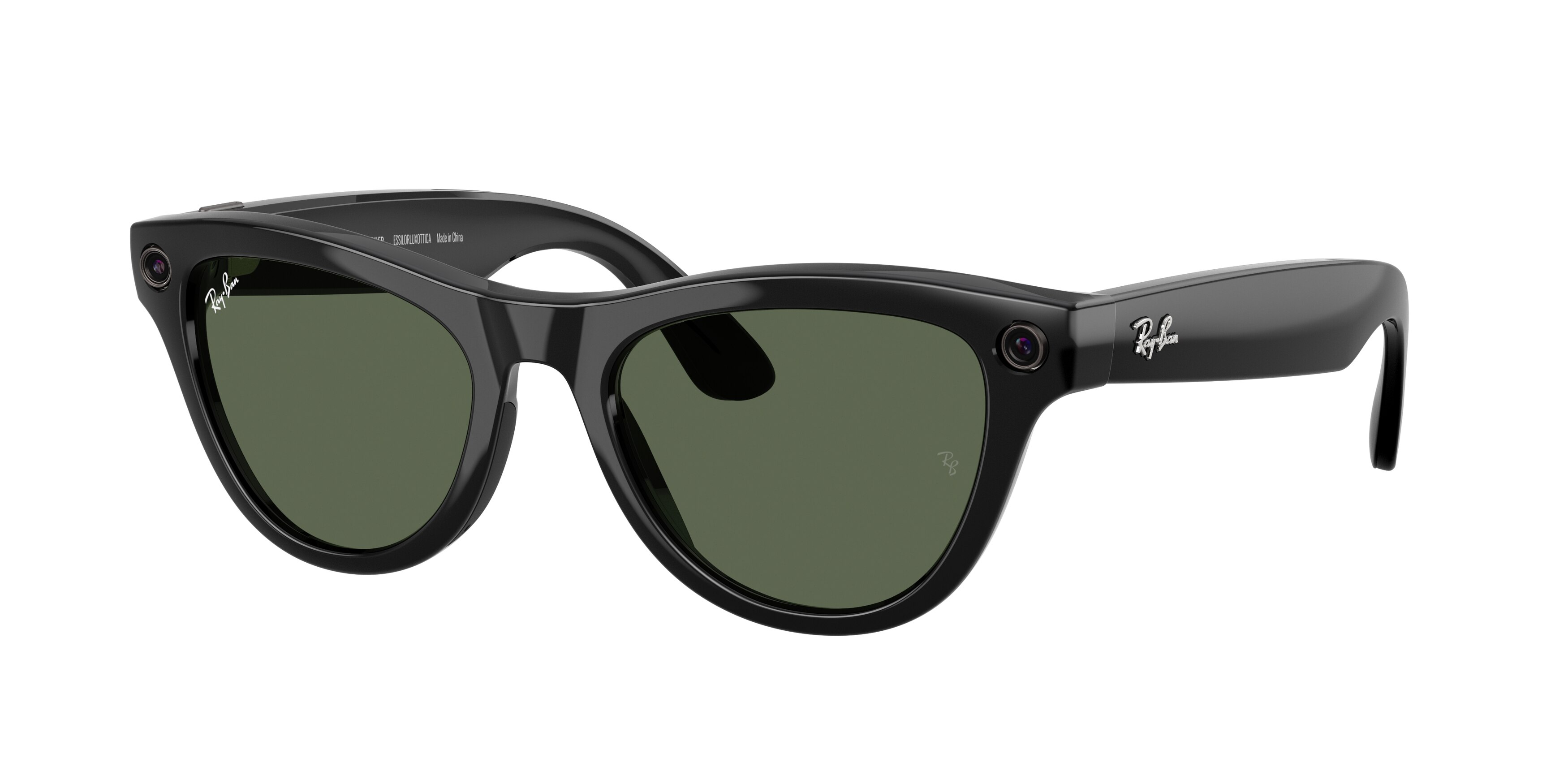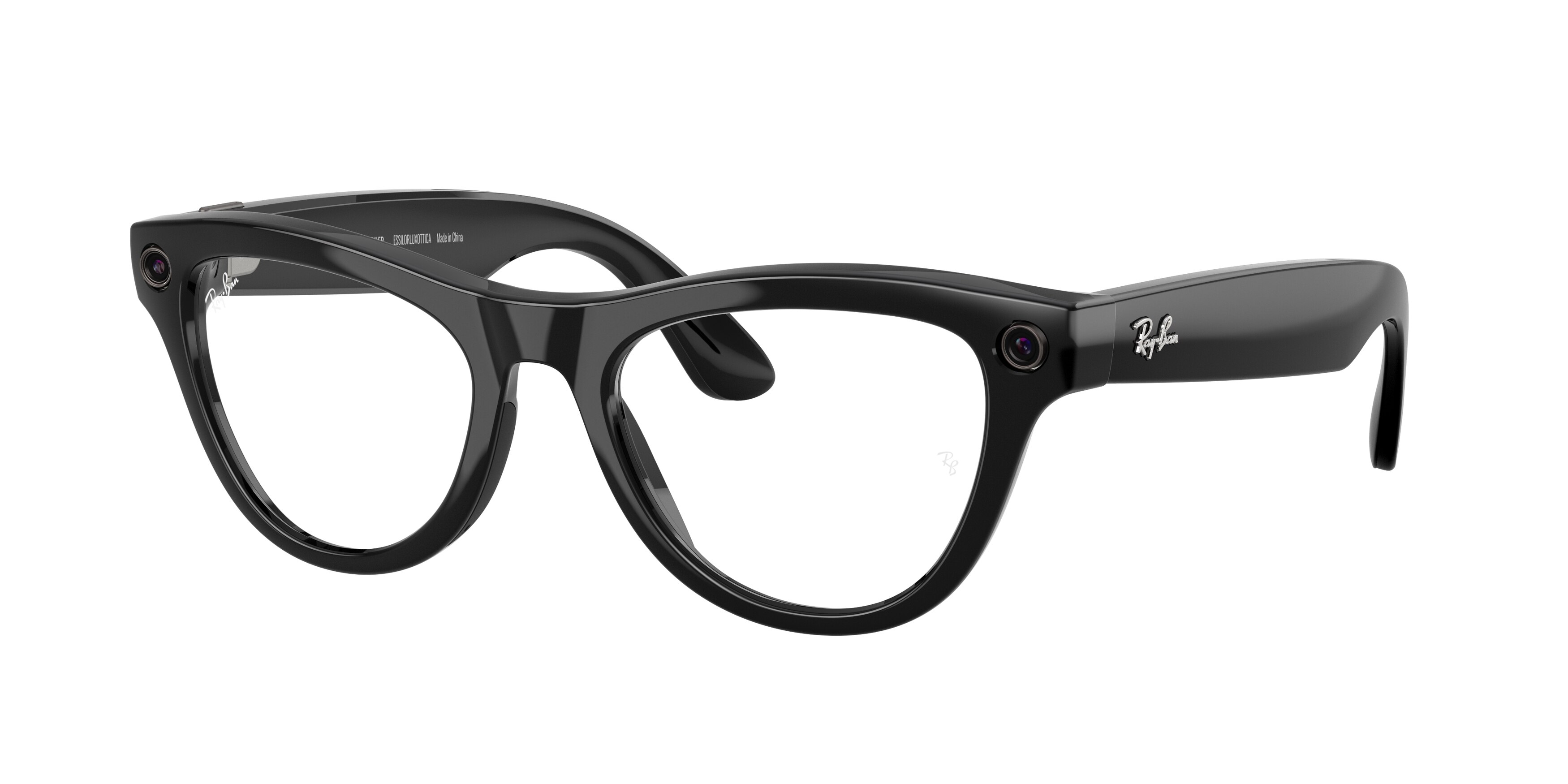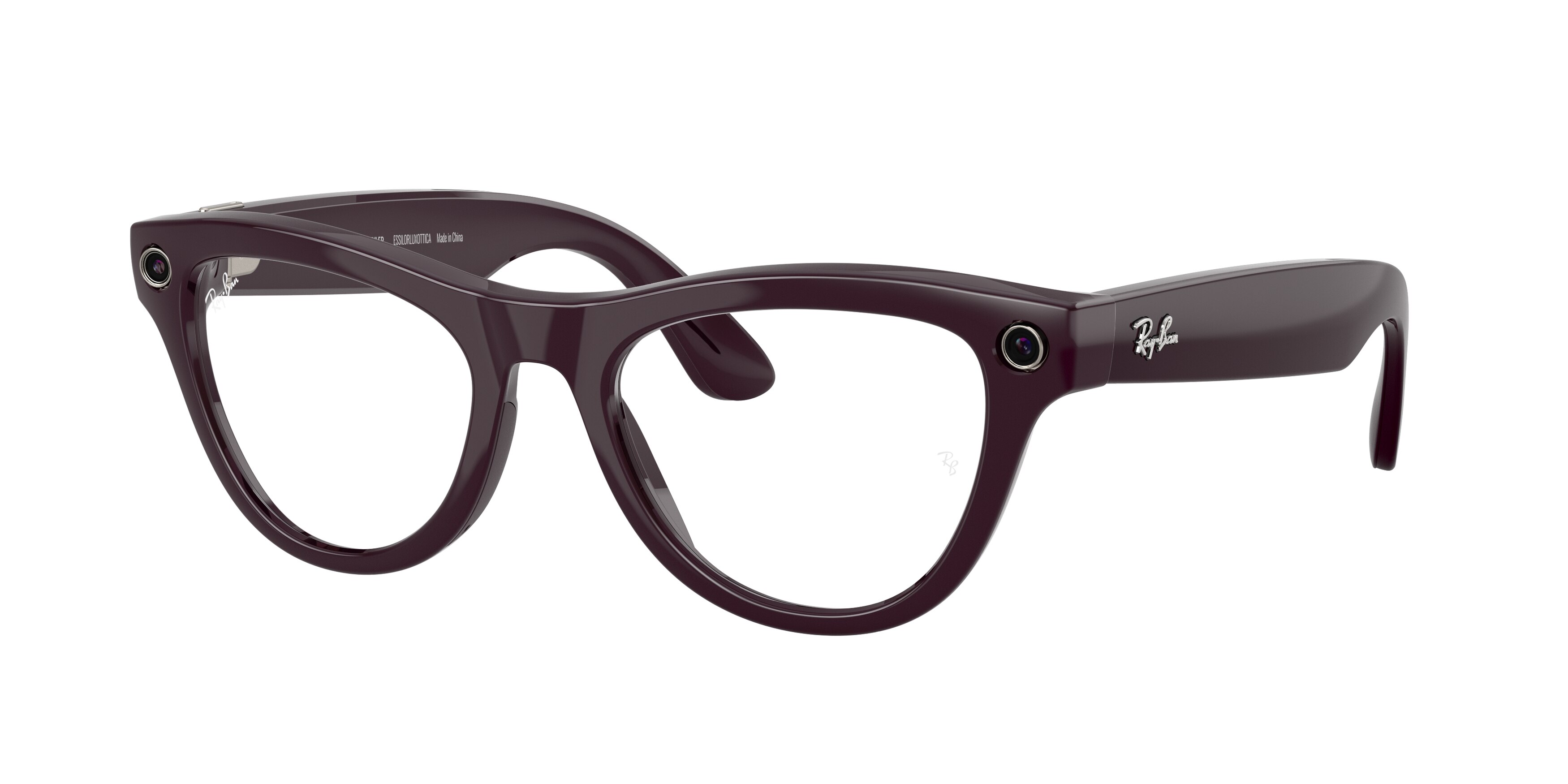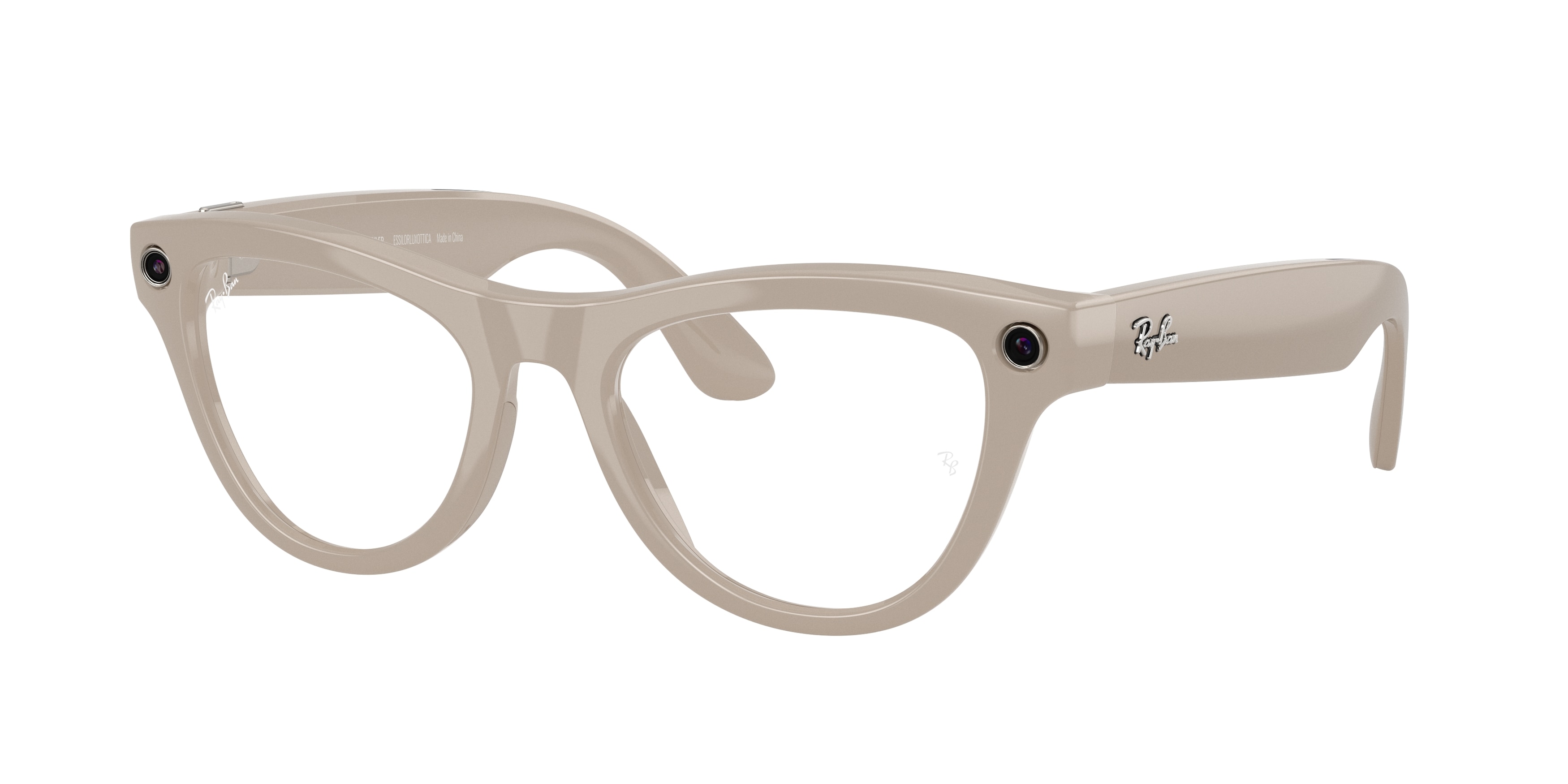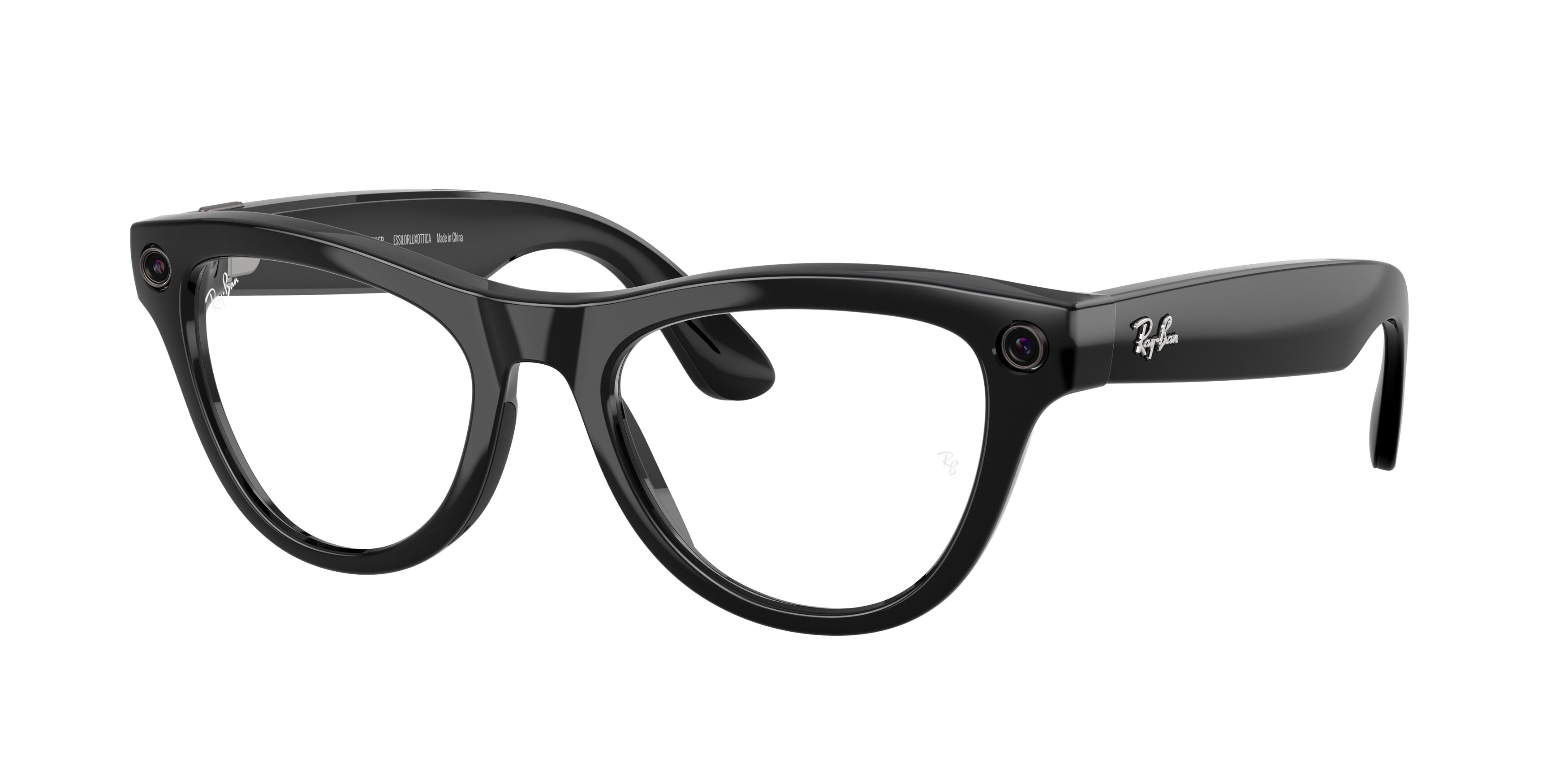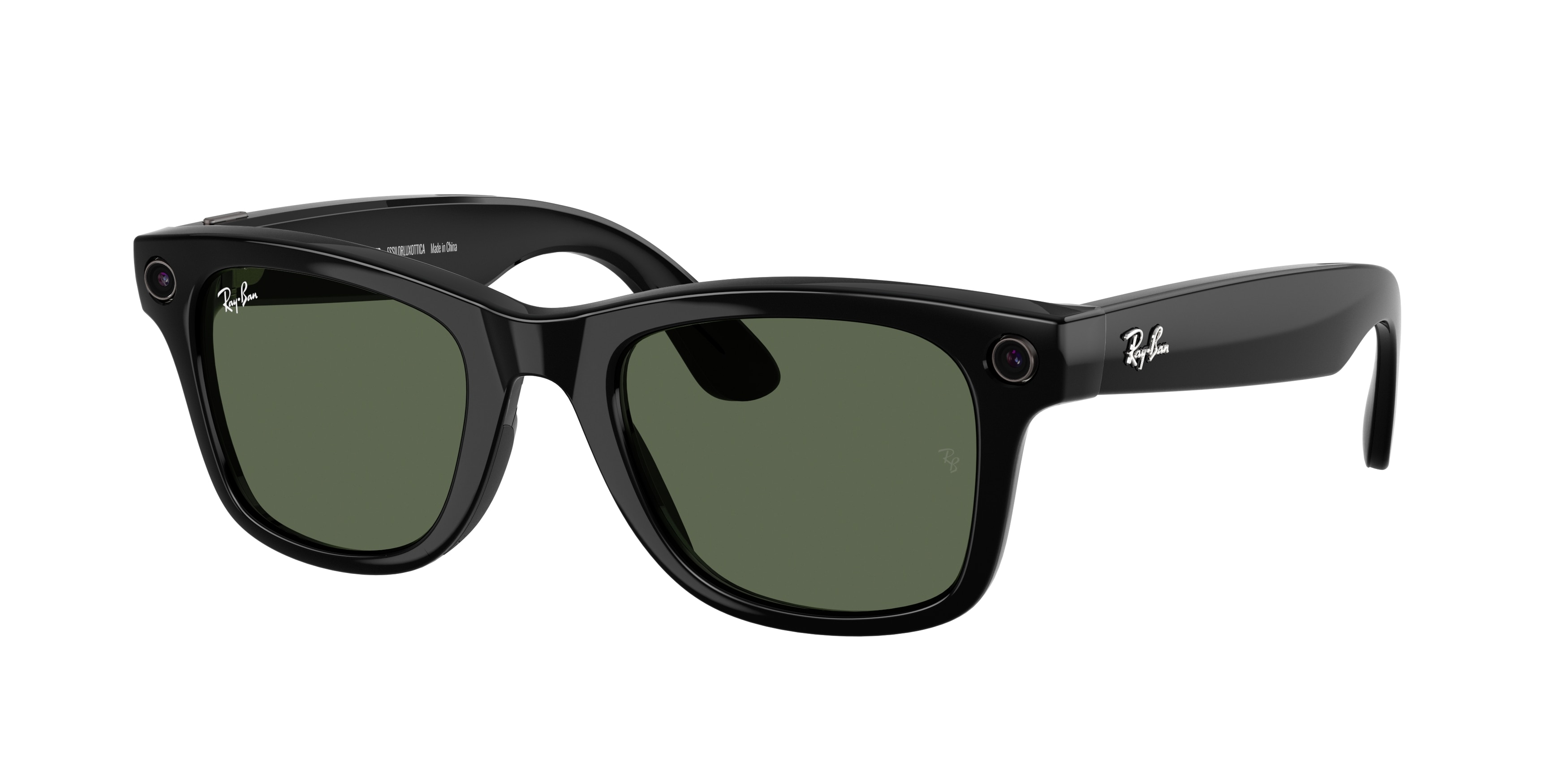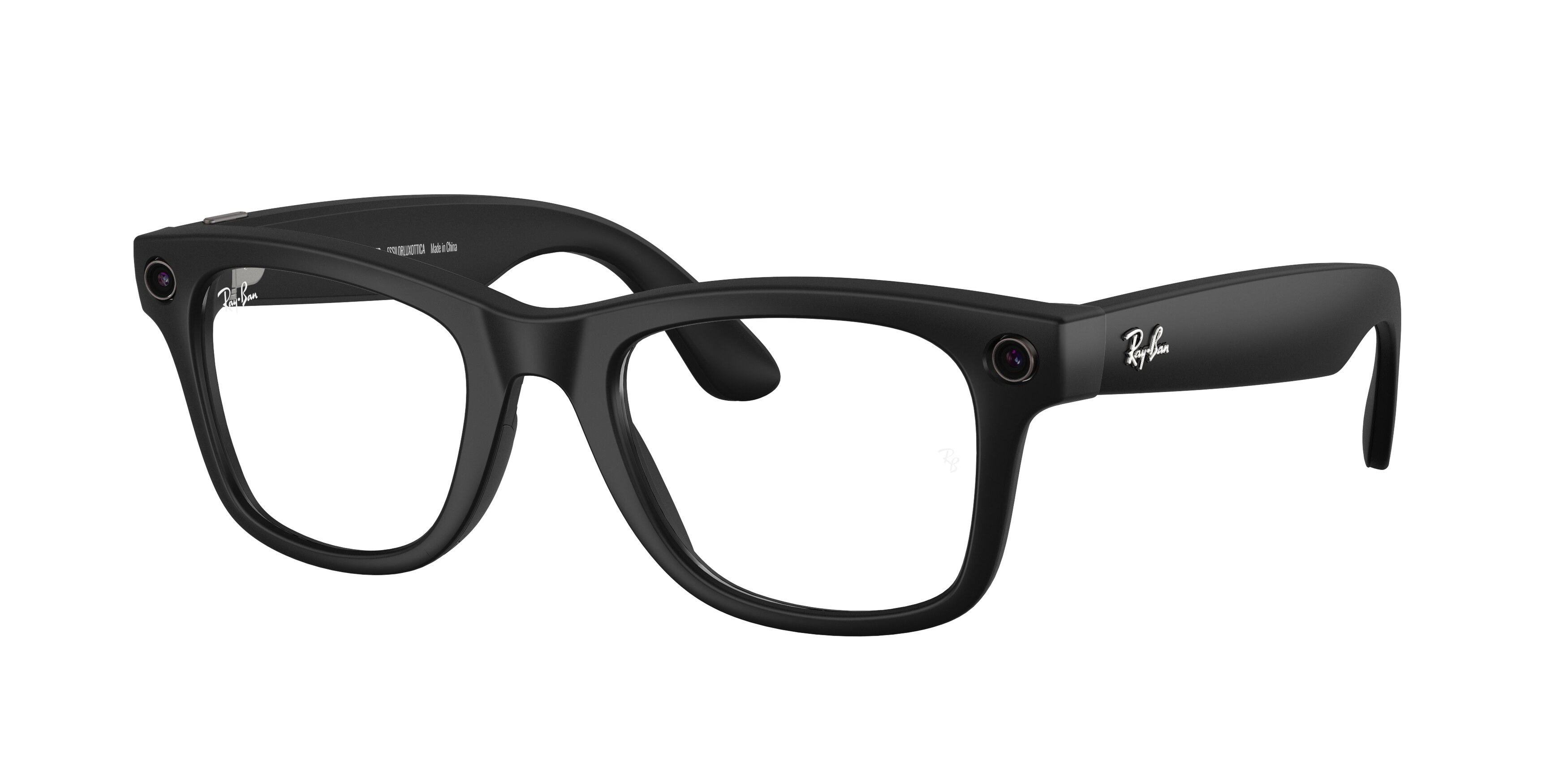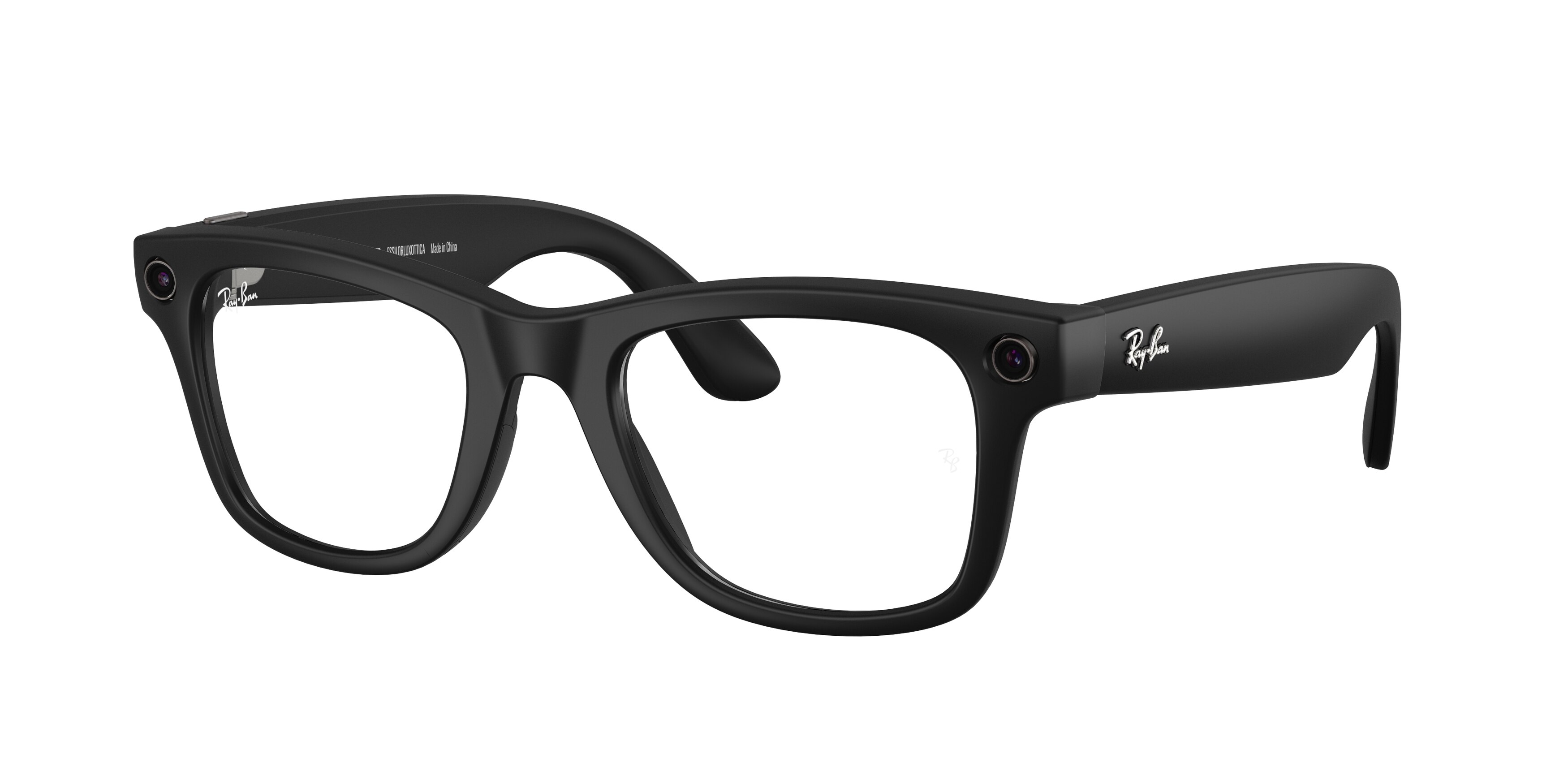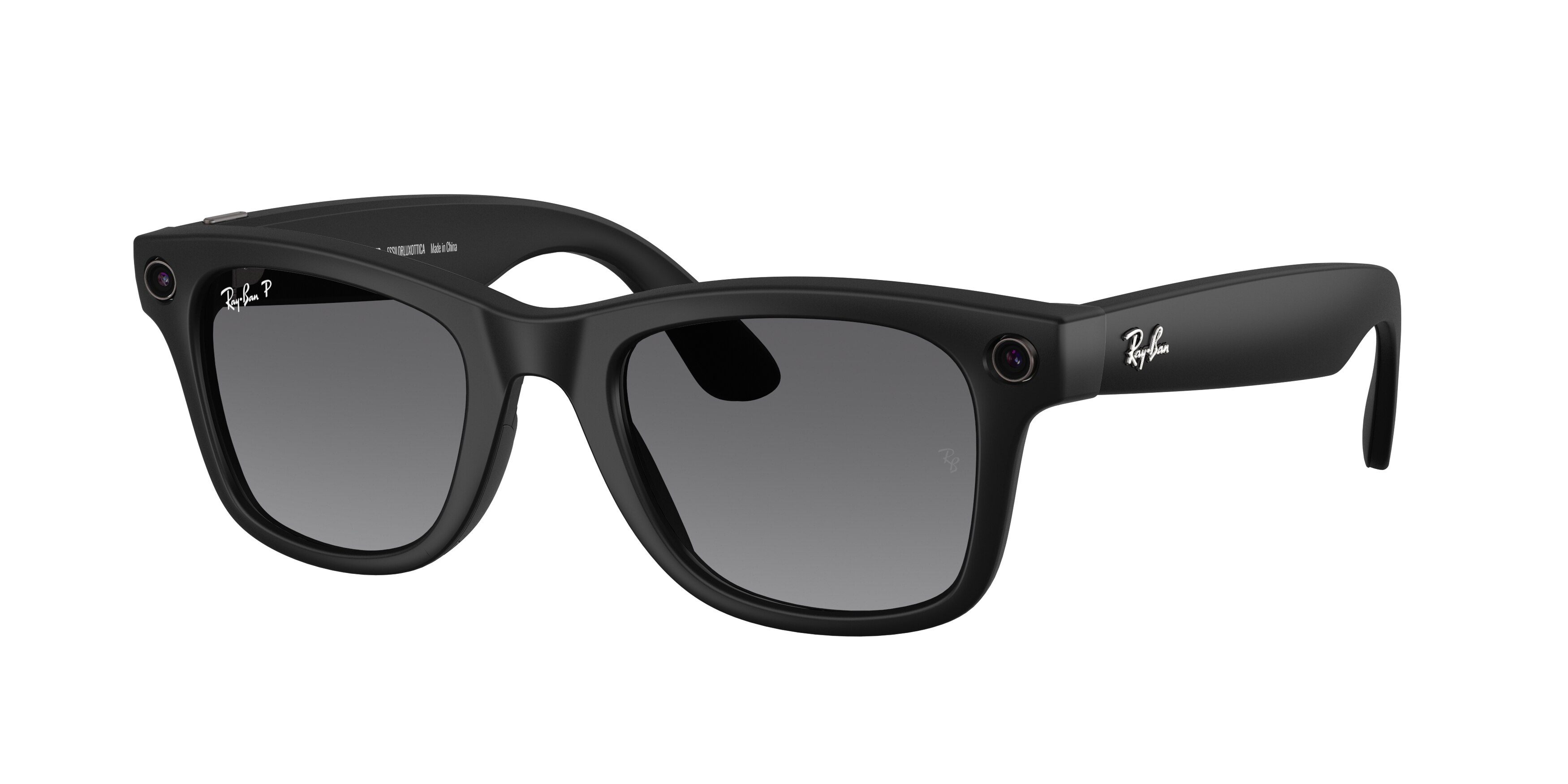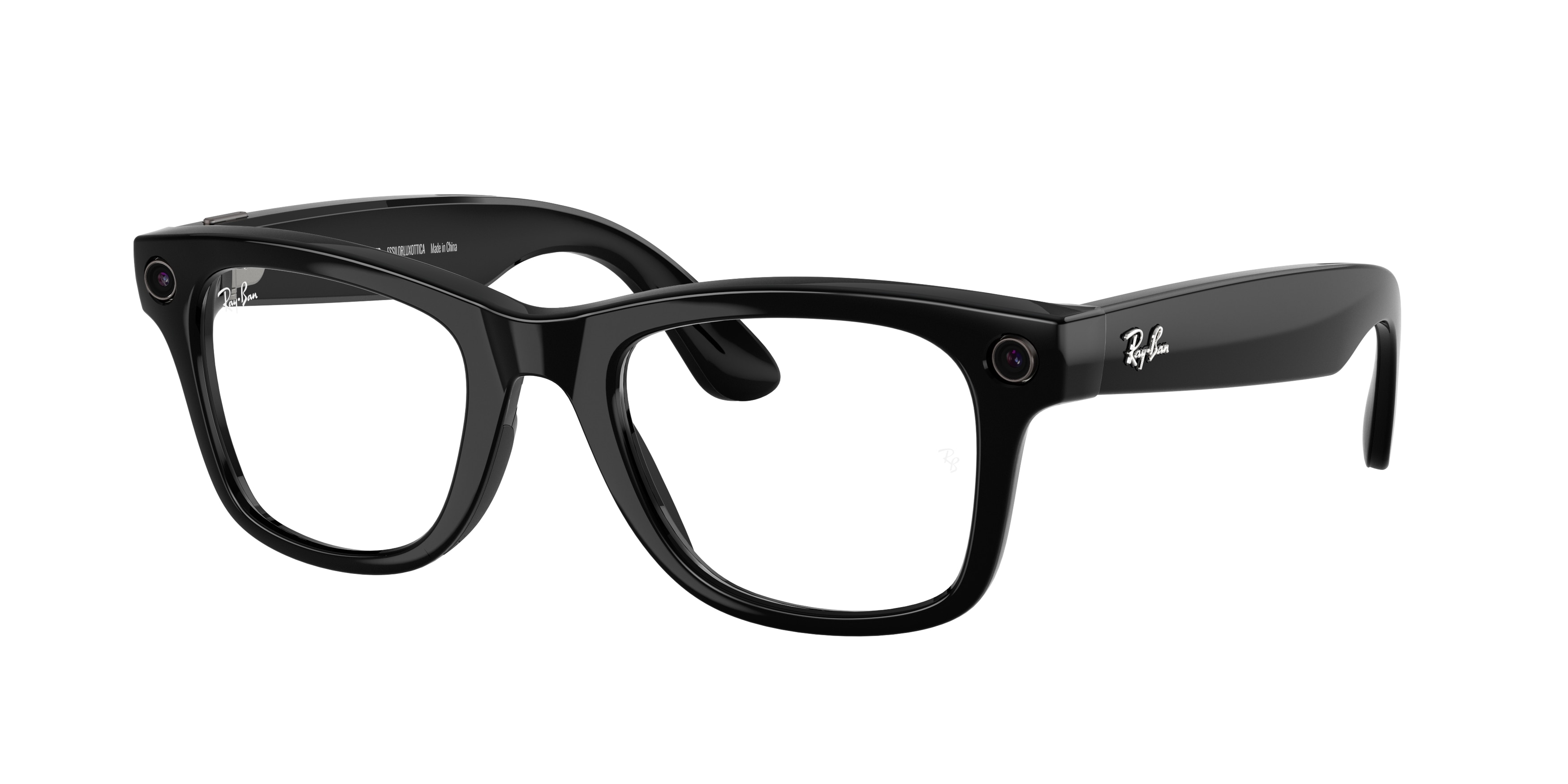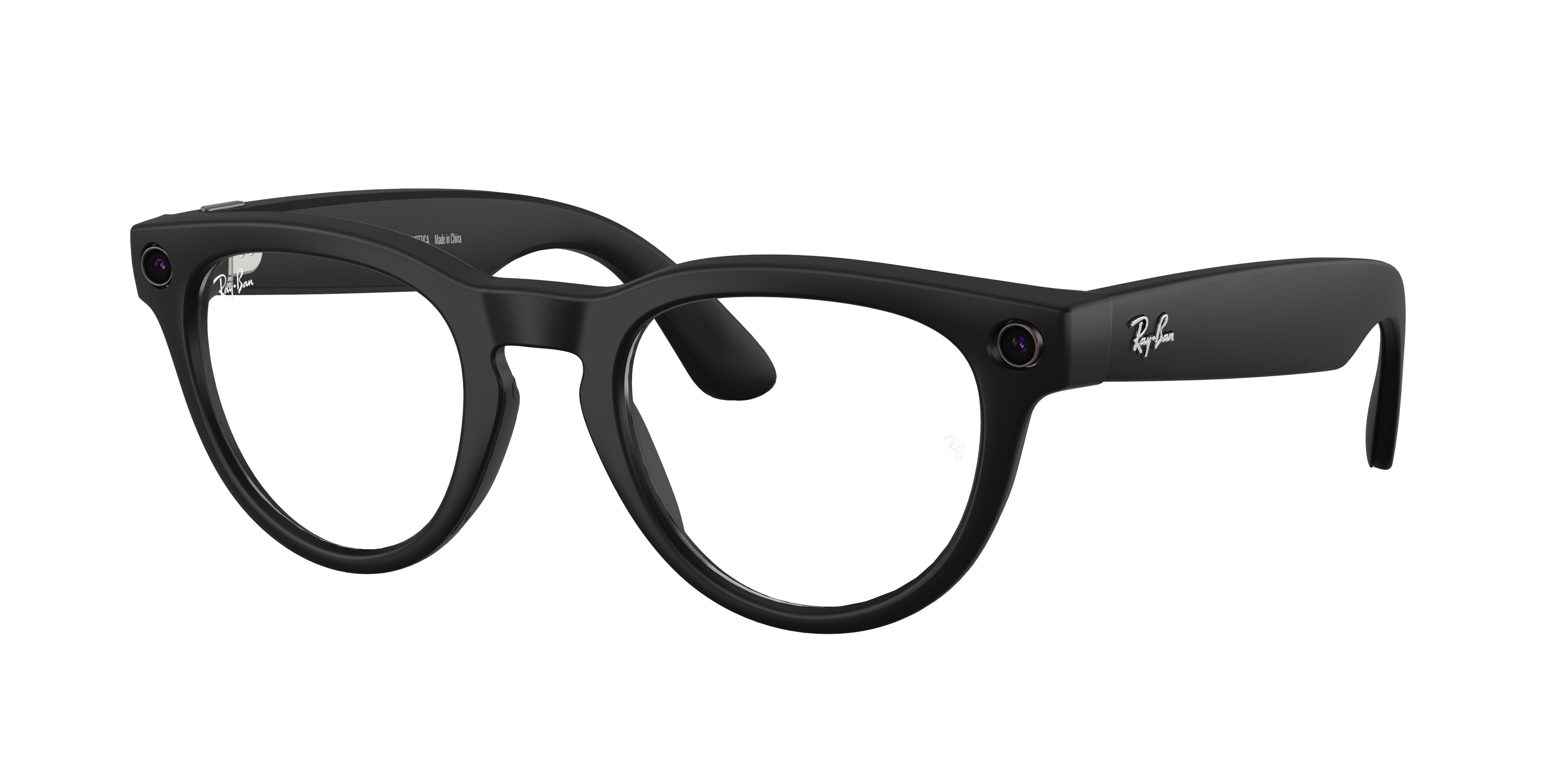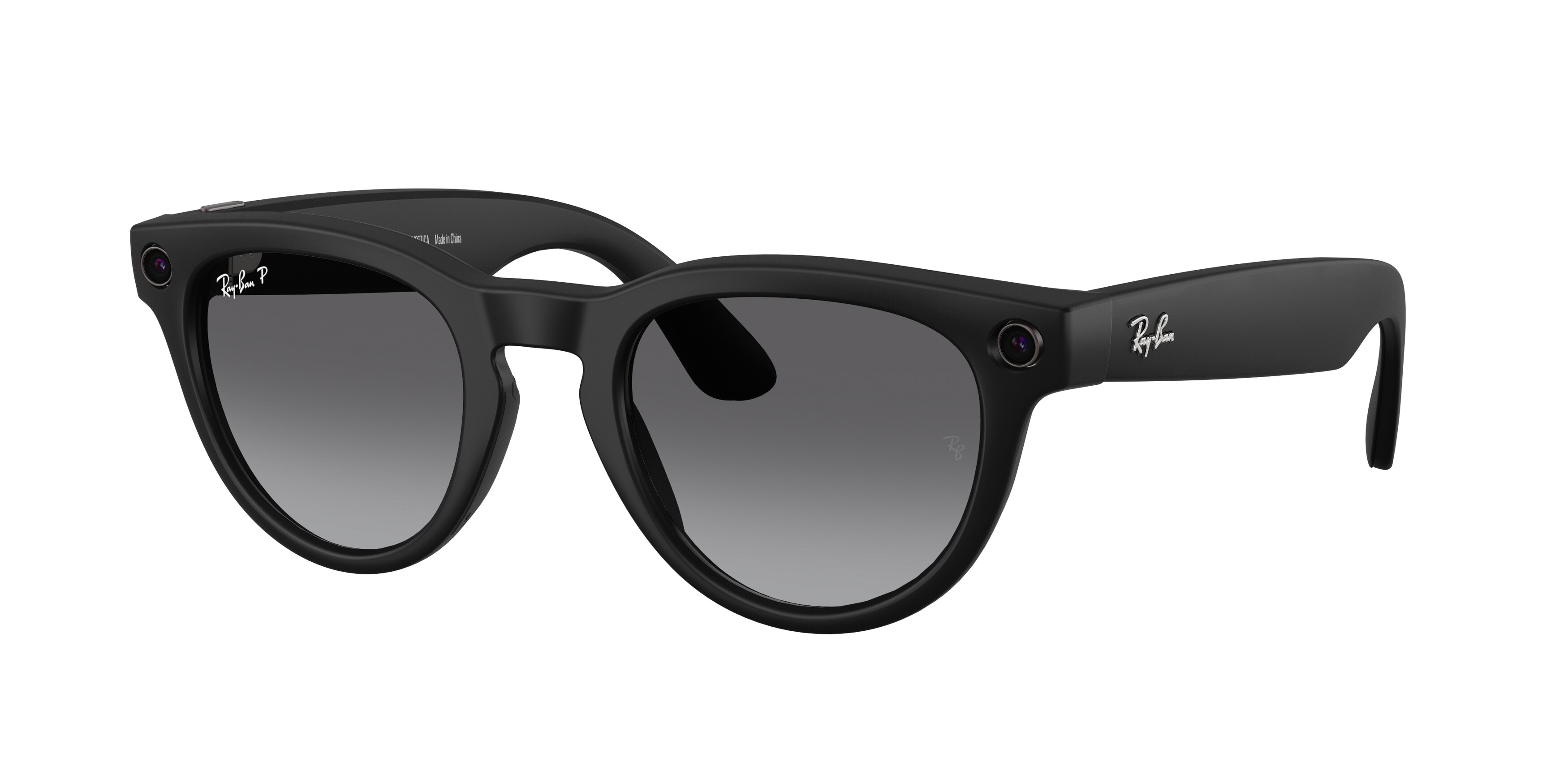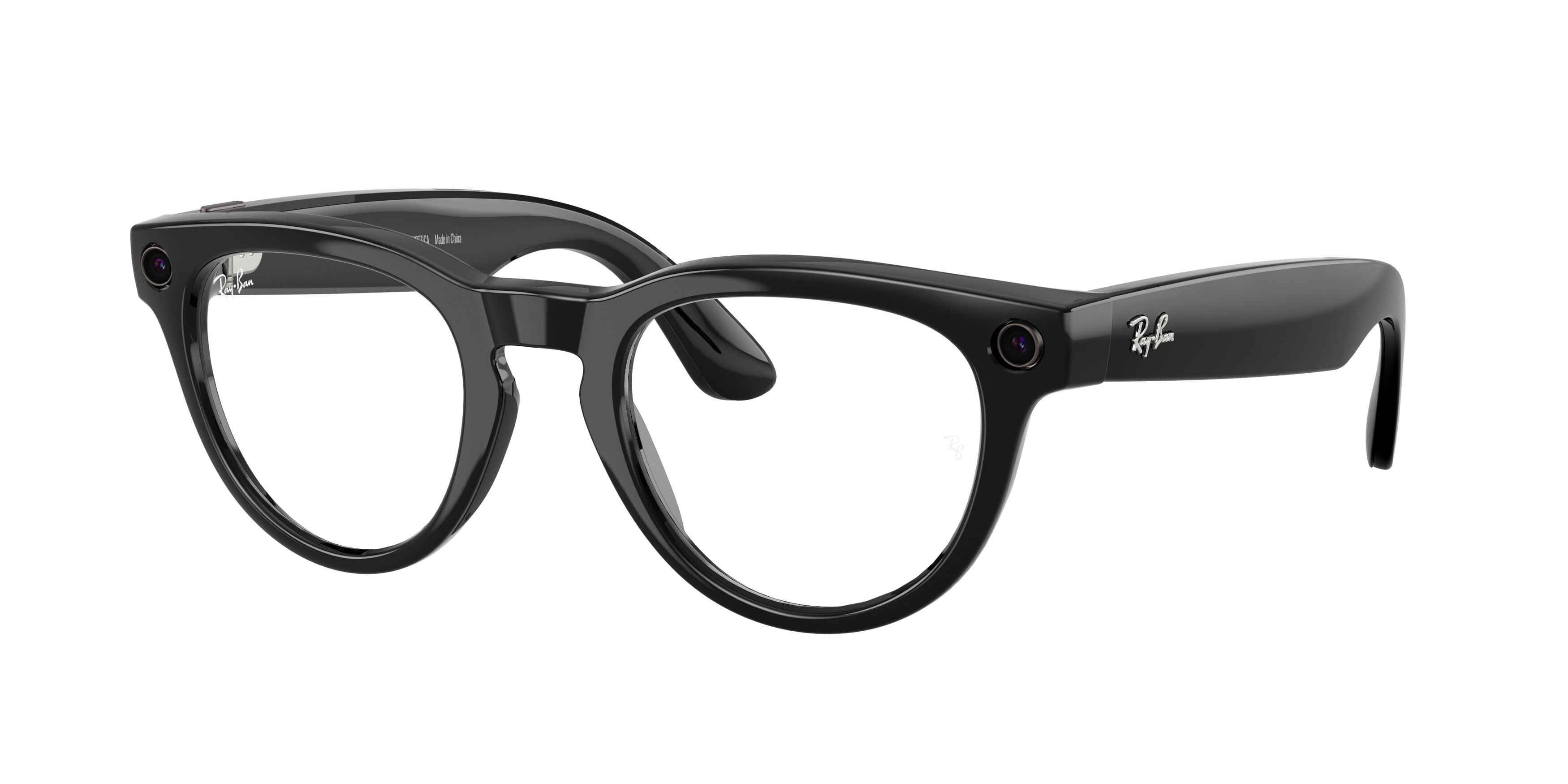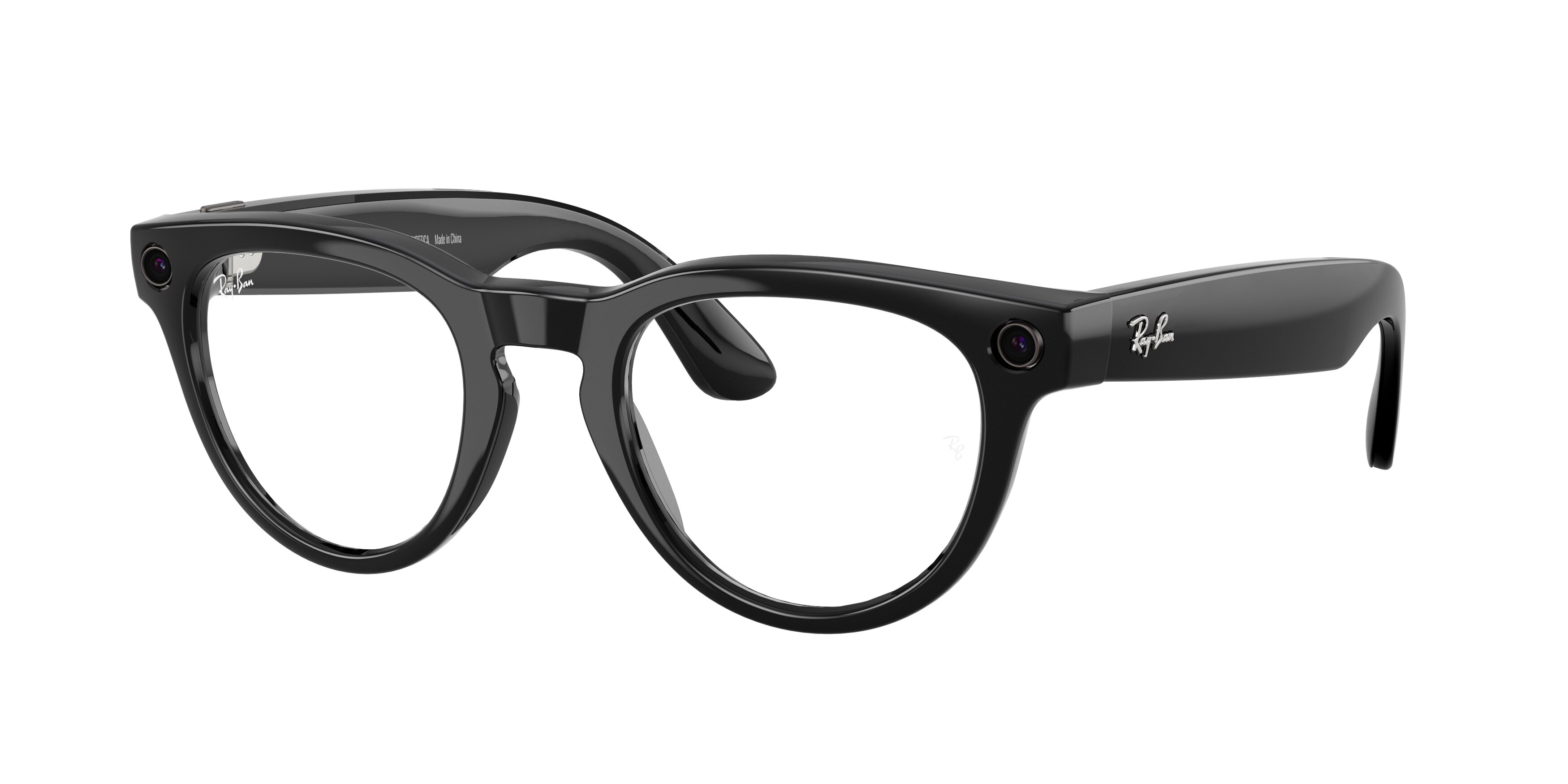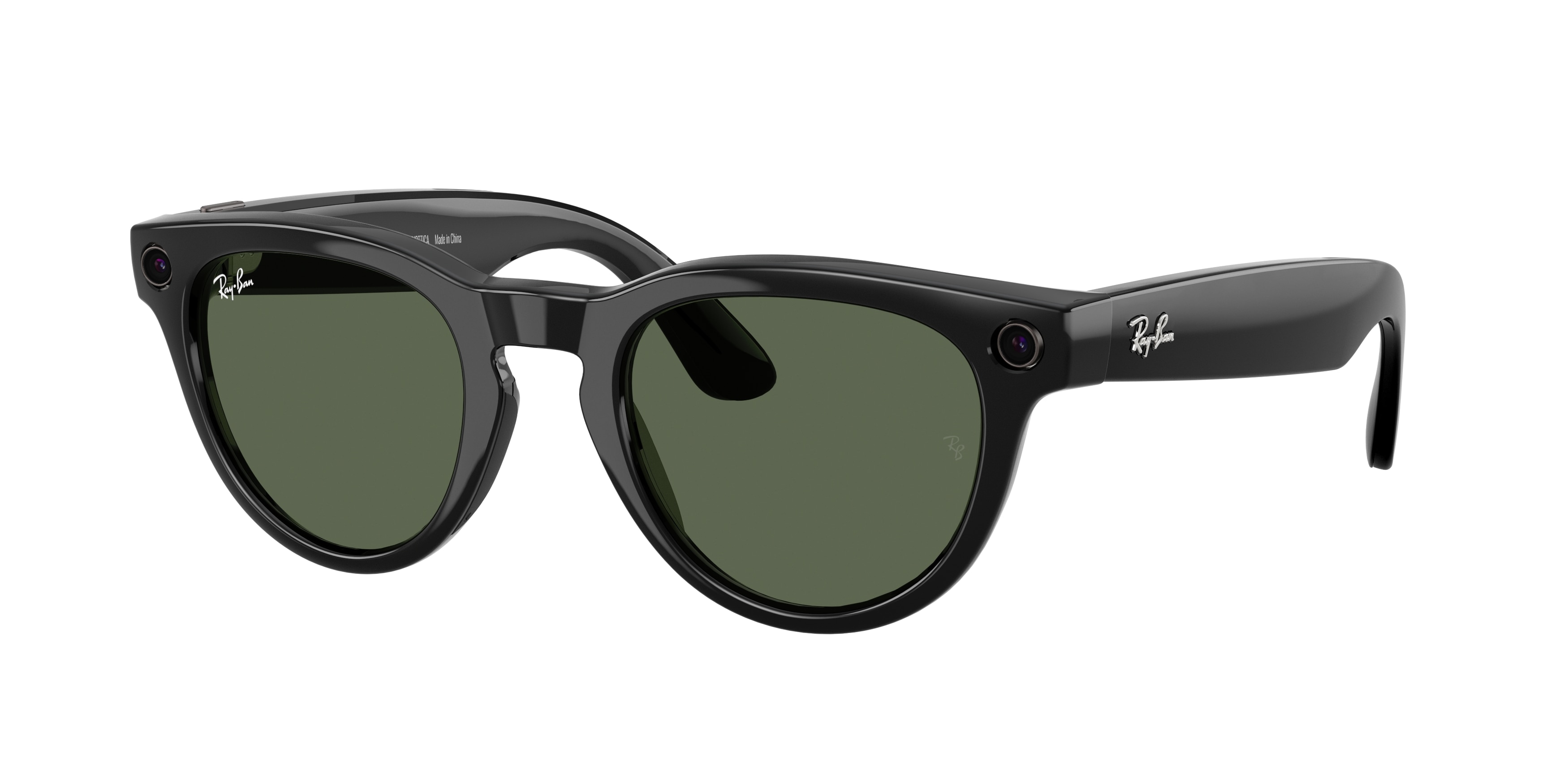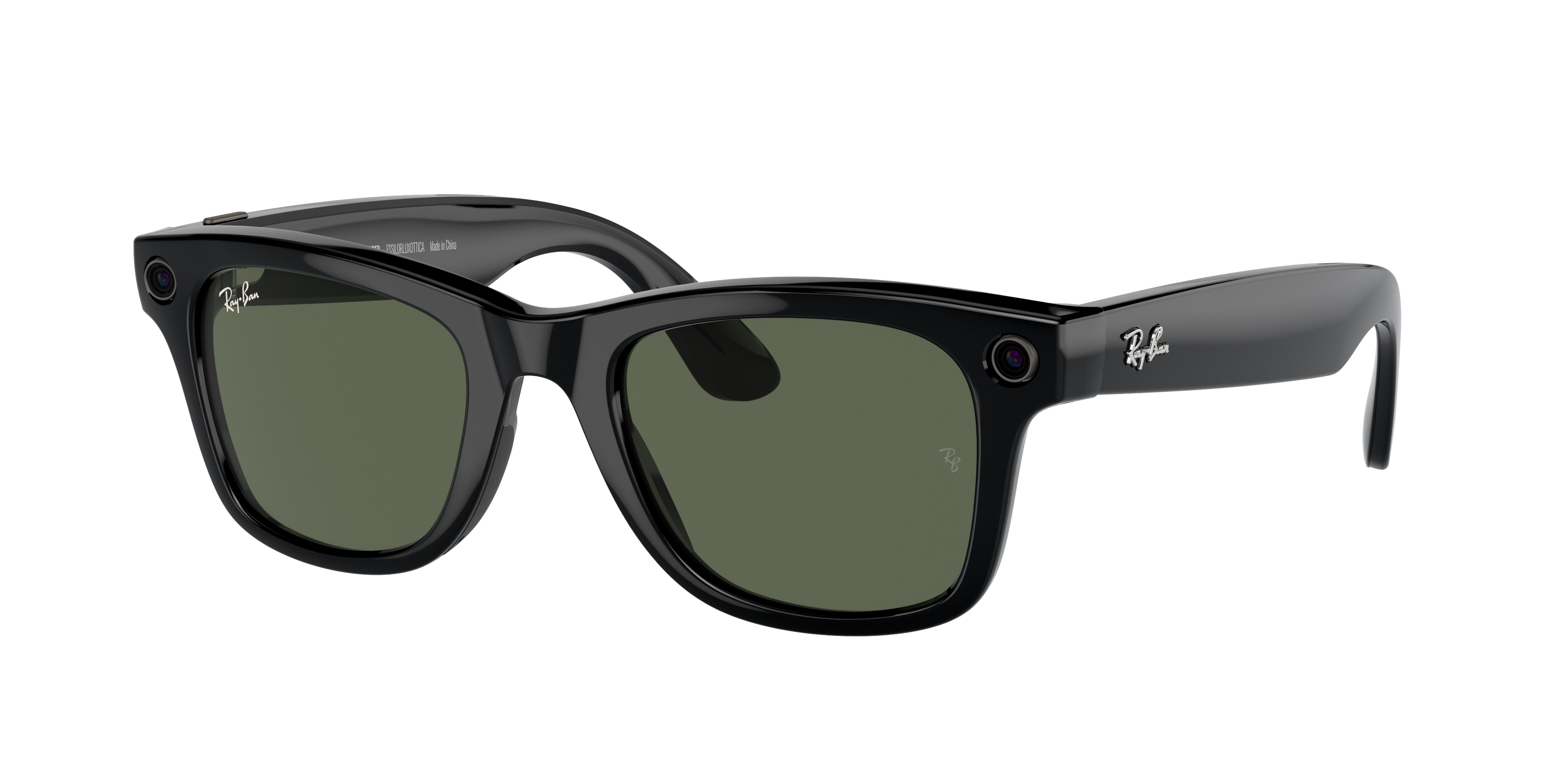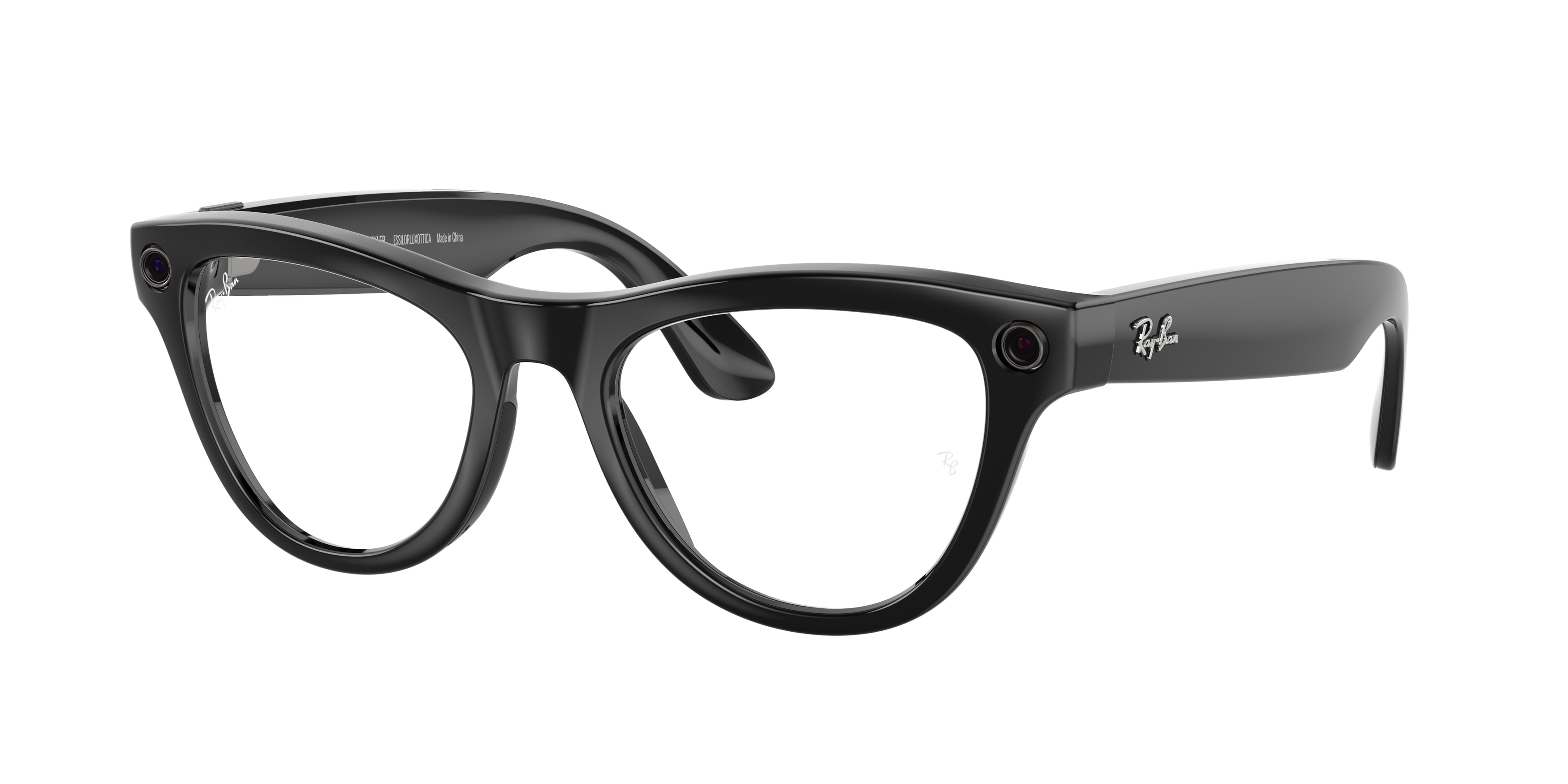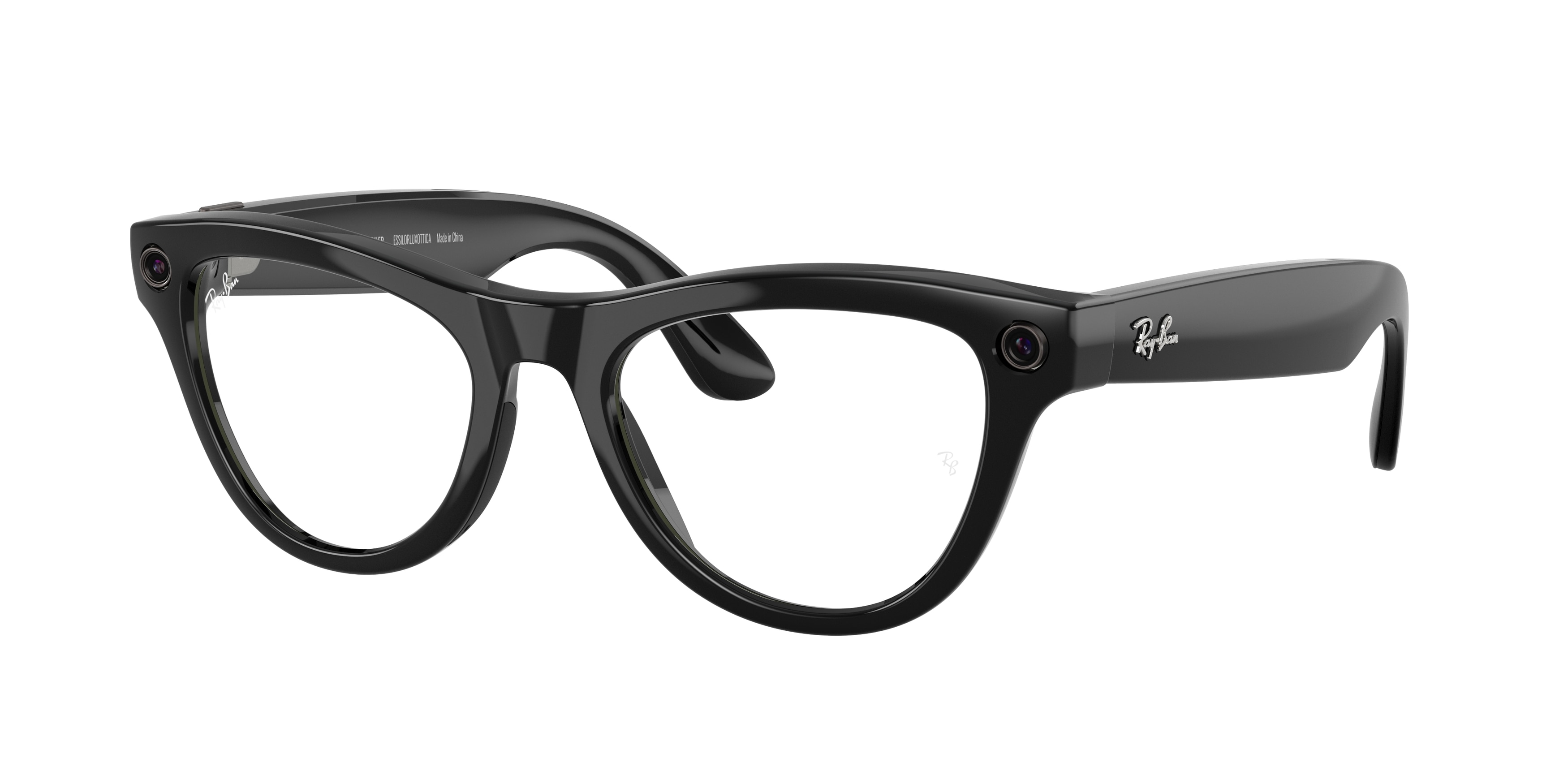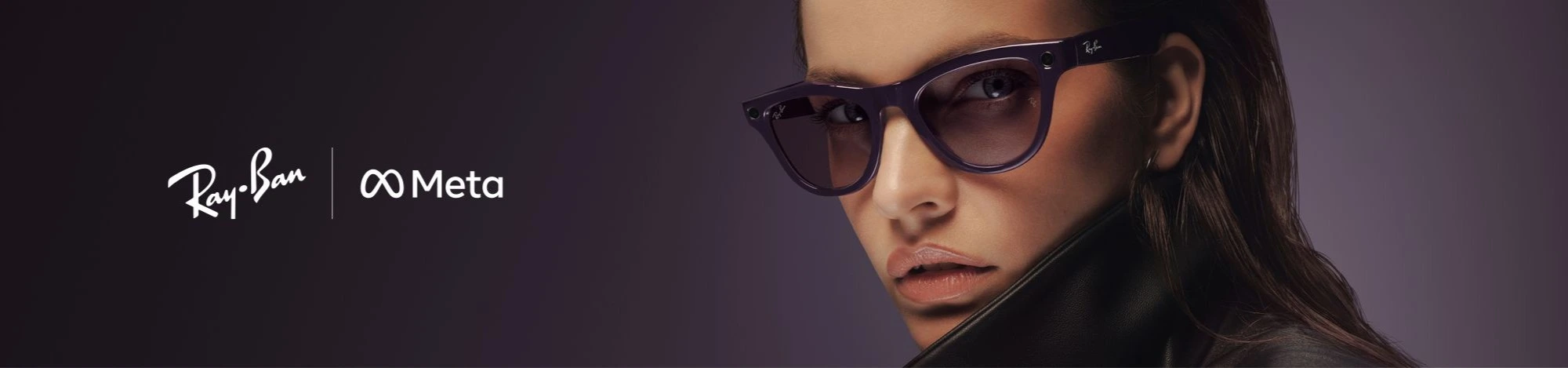
Second-generation Ray-Ban Meta, even smarter AI Glasses. Add a touch of technology to your style and enjoy every moment.
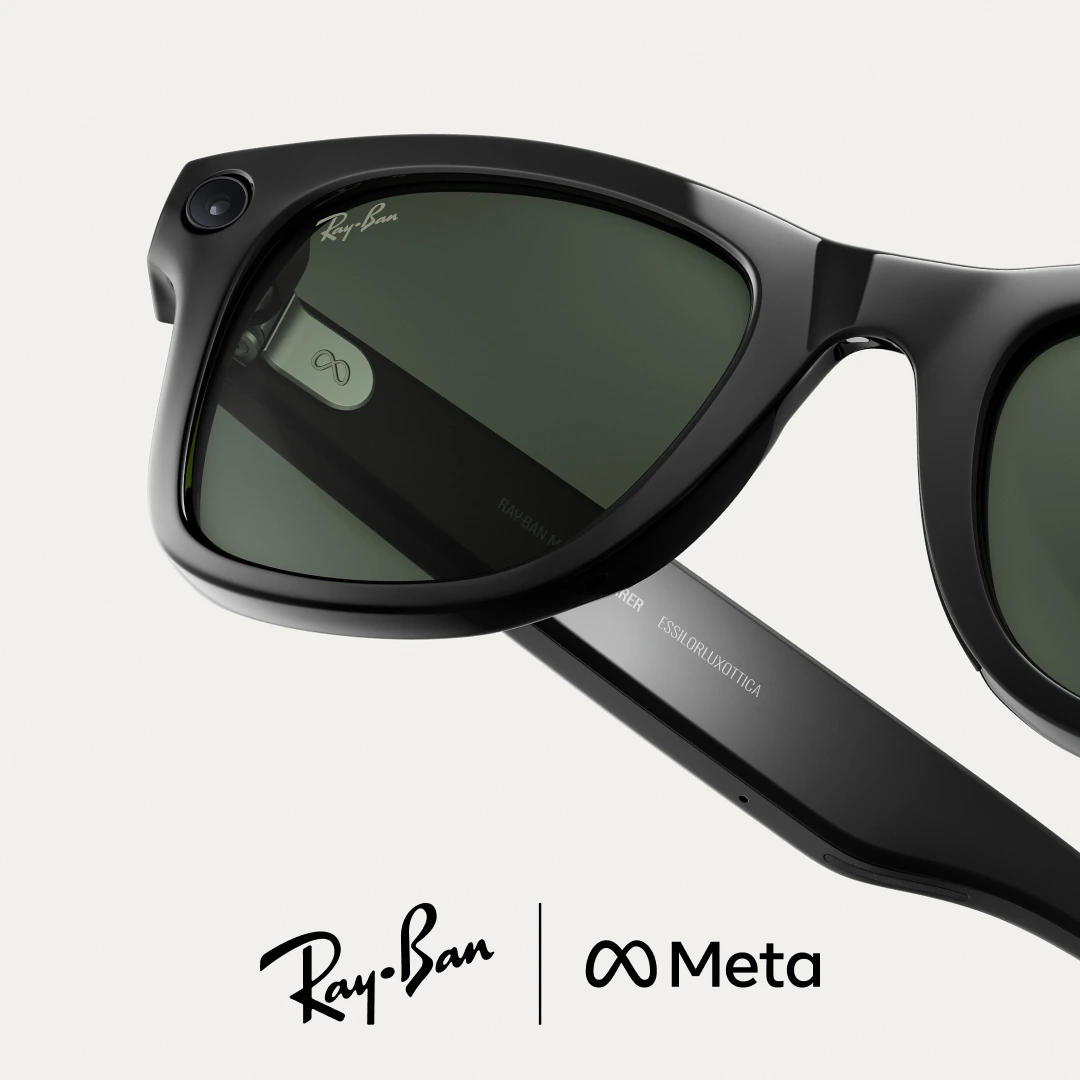
To use Ray-Ban Meta glasses, you need to connect them to a smartphone and the META AI app.
For normal use of the glasses, the app connects to your Wi-Fi network.
When importing acquisitions or installing firmware updates, the app connects directly to the temporary Wi-Fi network of the glasses.
The Ray-Ban Meta glasses offer IPX4 water resistance. The IPX4 rating certifies that your glasses are safe even if it starts to rain (light rain) while wearing them.
Take off the glasses as soon as you can and dry them thoroughly: you don't need to do anything else.
The product is not designed to withstand immersion or prolonged exposure to water or other liquids.
In case of water exposure, thoroughly dry the product and clean the charging areas from residues or other debris.
You can check your glasses updates or choose to update them at any time by going to settings > your glasses > glasses update.
The fully charged case provides 8 additional charges to the frame. The case fully recharges in 3.5 hours.
The fully charged glasses last up to 4 hours with moderate use and up to 3 hours with continuous audio streaming and voice assistant.
These values may vary based on usage and other factors.
The glasses can capture and sync up to 25 videos of 30 seconds or up to 500 photos per full charge.
When placed in the charging case, the glasses fully charge in about 75 minutes.
Even when your glasses are not connected to the META AI app, you can take photos and videos, check the battery level of the glasses if you have enabled voice controls, and listen to audio from a phone you are connected to via Bluetooth.
Yes, it is possible to return a Ray-Ban Meta product, but it is important to follow some specific instructions:
Always apply the UN3481 label (included in the return package) to the outside of the Amevista parcel. This label is mandatory for the transport of devices containing lithium batteries.
PLEASE NOTE: this is a regulatory label, not the shipping label. If it is not applied correctly, the parcel will be blocked by the courier and the return cannot be completed.
What should I do in case of technical issues (software or hardware) with the Ray-Ban Meta glasses?
Any hardware or software malfunctions related to the Ray-Ban Meta smart glasses (e.g. connection issues, camera, synchronisation, operating system) cannot be handled by our customer service.
For these cases, official support is available directly on the Ray-Ban website, in the section dedicated to the respective product. We invite you to contact the official support team by following the instructions provided there.
If you can't find the answer you're looking for in the FAQs, you can get more information or assistance here: Ray-Ban Help Center.